
SX Key Fob — the motion controller
Home.
Office.
Play.
A touchscreen you carry in your pocket. It runs your home, shows you your cameras, and becomes a mouse, a presenter, a volume dial or a steering wheel the moment you pick it up. No app and no drivers on any computer.
- 1.8″
- AMOLED touchscreen
- 6-axis
- Motion sensing
- 0
- Drivers to install
01 Home
Your whole home, in your pocket.
Every appliance on a SentinelX node appears as a tile. Flip a switch and it moves the moment you touch it. When a camera sees an intruder, the fob wakes up and shows you who.

From anywhere
Your SentinelX cloud account. Control the house while you're away.
On your network
Talks straight to the dashboard on your own Wi-Fi. No internet needed.
Fully offline
No internet and no account at all. The fob can hold all three at once, and each command goes wherever it can be answered.
02 Office
Point. Click. Present.
Plug it in or pair it over Bluetooth and the fob becomes a mouse, a keyboard and a media remote. Point it at the screen and the cursor goes exactly where you aim.
Any deck
Next, previous and blank screen in PowerPoint, Keynote, Google Slides and PDF viewers. Nothing to install.
Tilt and turn
Tilt forward and back to scroll a page. Turn it like a wheel to scroll sideways through slides and wide documents.
Finger on glass
Prefer not to wave? Drag your finger on the screen and the cursor follows.
Real media keys
Play, pause, next, previous and mute control whatever your computer is playing.
03 Volume
Turn it up. Feel every notch.
Hold the pad and turn the fob like a dial. Every step clicks through the vibration motor, so you can set the volume by feel, in a pocket, without looking.
To control volume, just turn the fob like a dial.
- GestureHold and turn
- FeedbackA haptic click per step
- Also aScroll wheel, same gesture
- KeysStandard media keys
- Works withWindows, macOS, Linux
04 Play
For the kid in you.
Game Control turns the fob into a steering wheel. Hold it like a wheel and turn: steering goes to the computer as ordinary key presses, so it works with any game that steers with the keyboard.
Long corners
Turn and hold. The steering key stays down for as long as you hold the turn.
Precise nudges
Every few degrees of rotation sends one distinct nudge. A committed turn holds full lock.
Feel every step
Each steering step clicks through the motor, so you know how far over you are without looking.
Nothing to install
It sends ordinary key presses, so any game that steers with the keyboard understands it straight away.
05 Connect
Plugs in. Pairs up. No drivers.
06 Battery & feel
Lasts days, not hours.
The fob steps down through these states by itself, and wakes instantly on a touch, a button or a shake. Measured on the hardware.
Relative battery drain by state.
It talks back
Different vibration patterns for a tap, a notch, a confirmation and a refusal, so you know what happened without a sound.
Pick it up
Shake it and it lights up. A single bump in a bag is ignored.
Any way up
Turn the fob and the screen follows.
Yours only
An optional PIN on wake. Intruder alerts still show, but the rest of the fob stays locked.
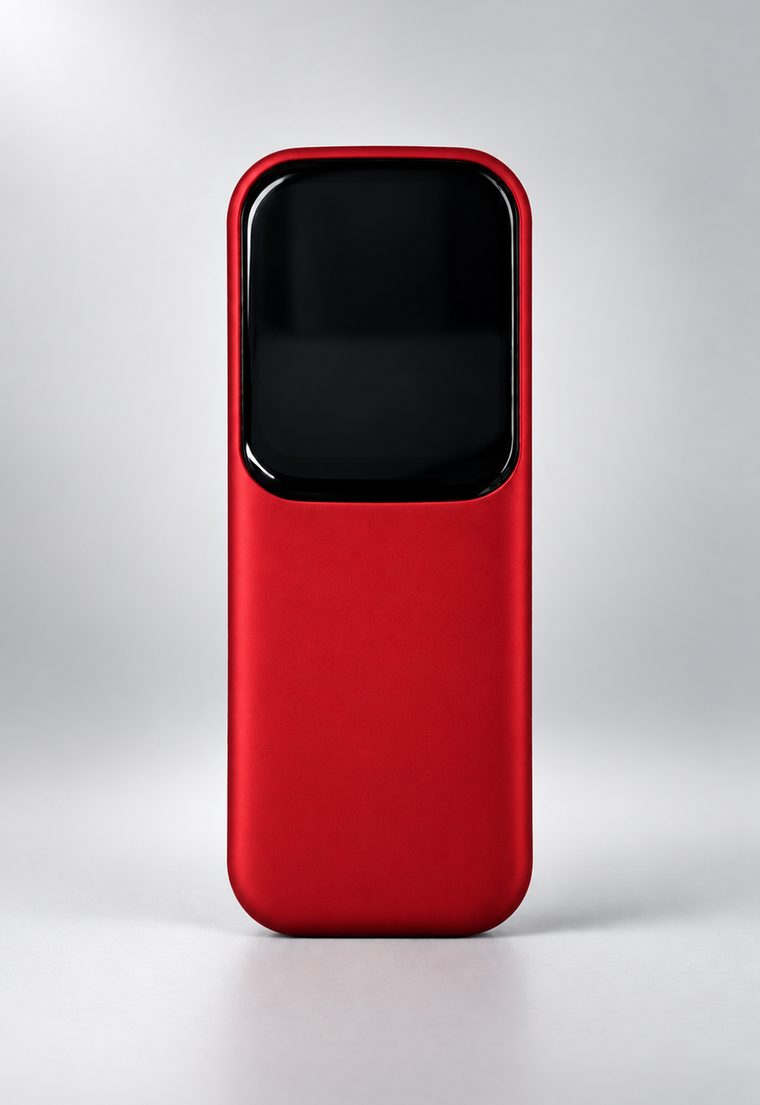
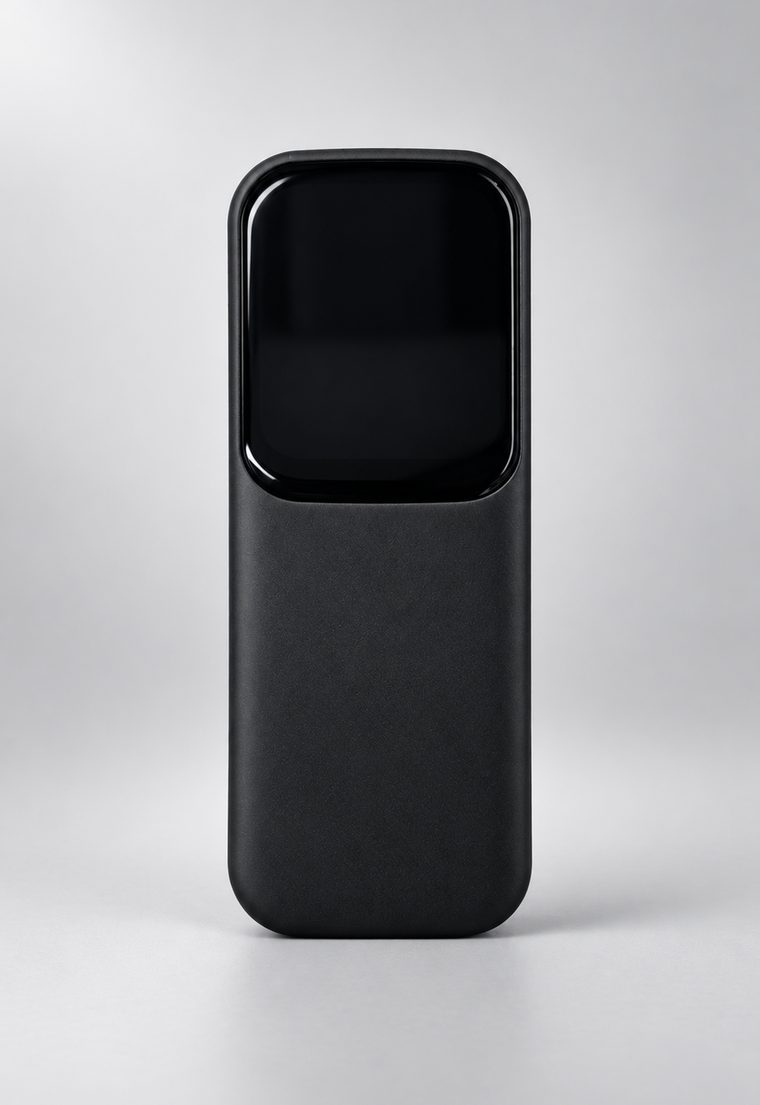
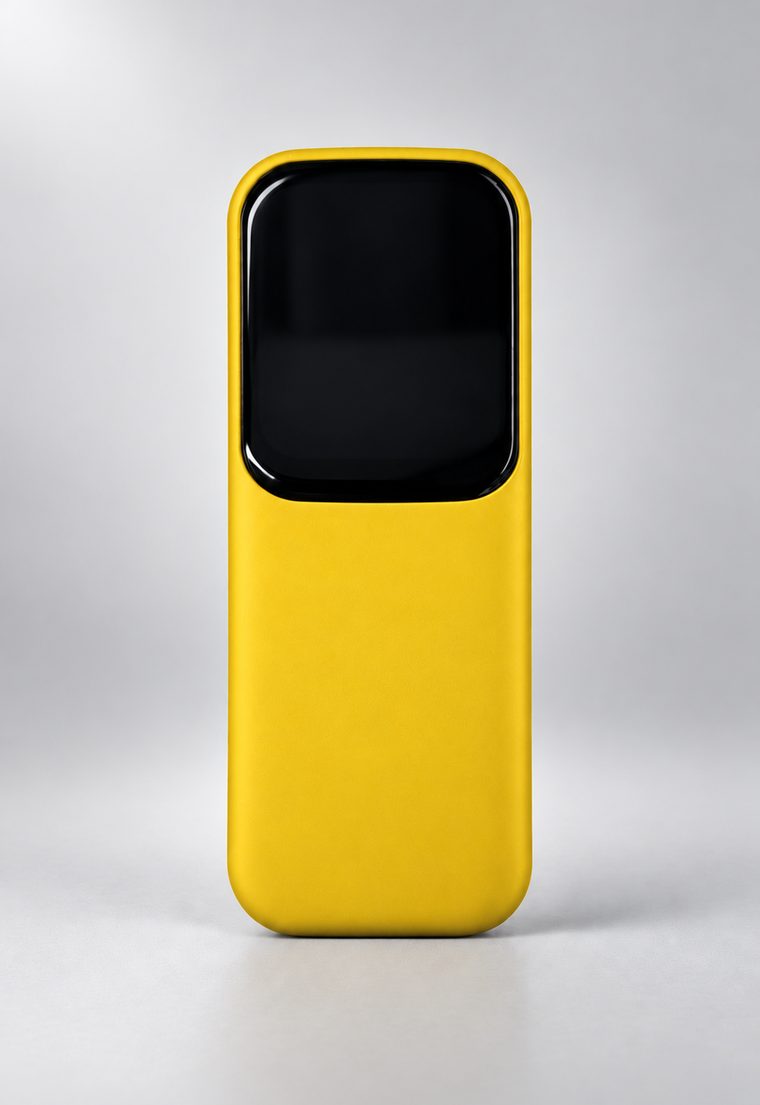
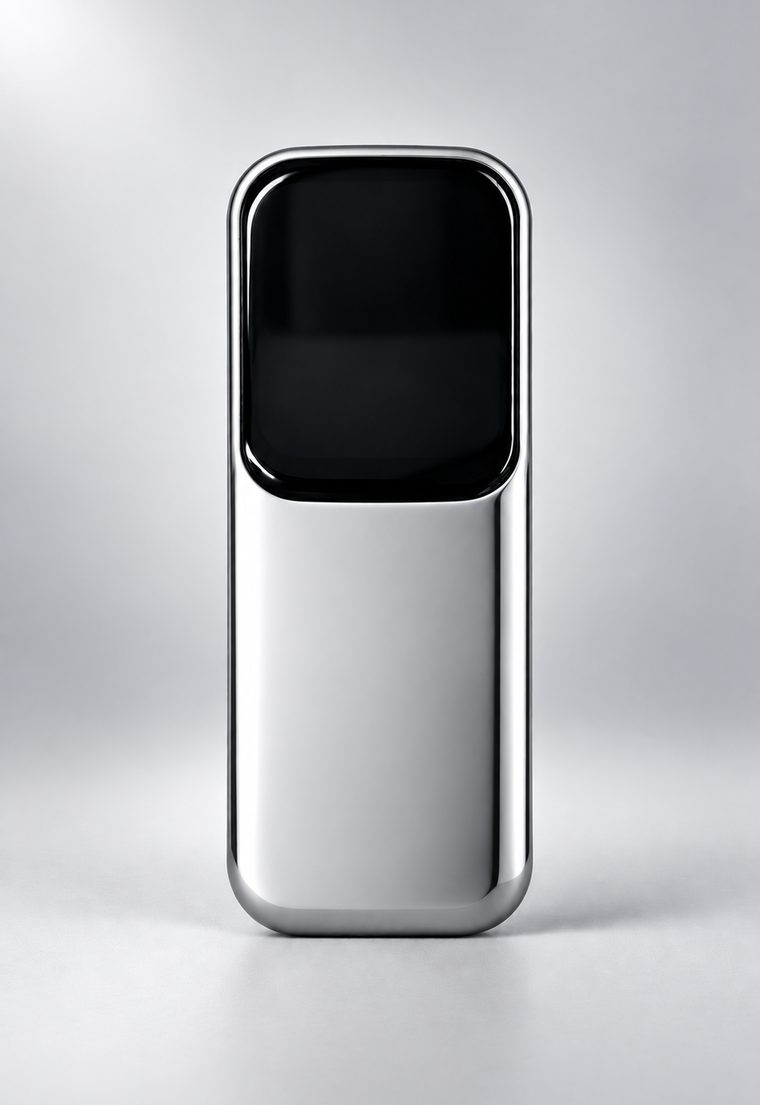
07 Finishes
Four finishes.
08 Specifications
In detail.
- Display1.8″ AMOLED touchscreen, 368 × 448
- ConnectivityWi-Fi, Bluetooth LE, USB-C
- Motion6-axis accelerometer + gyroscope
- FeedbackVibration motor, speaker
- ControlsTouchscreen, two buttons
- Works asMouse, keyboard, media remote, clicker, wheel
- ComputersWindows, macOS, Linux
- PhonesAndroid, iOS (Bluetooth)
- DriversNone
- Home controlCloud, local network or fully offline
- PowerRechargeable battery, USB-C charging